
Set a countdown
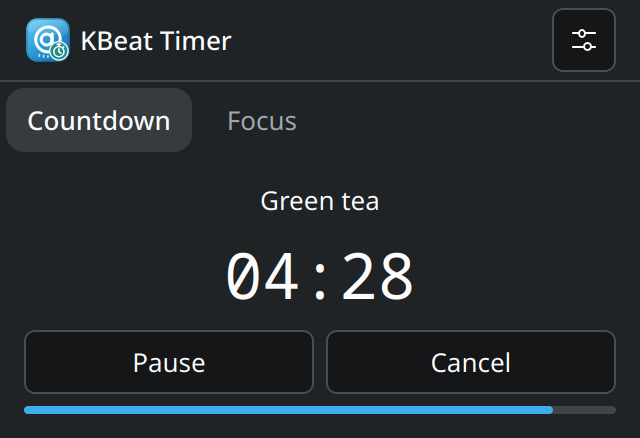
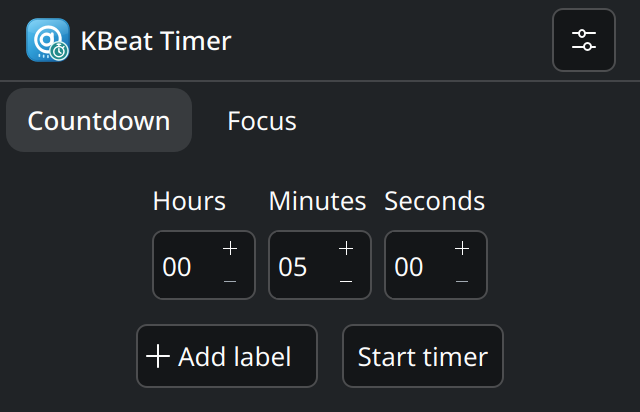
Enter the time, add a label if it helps, and let a KDE notification tell you when it is up.

Time for one thing
A simple countdown. A calmer way to focus.
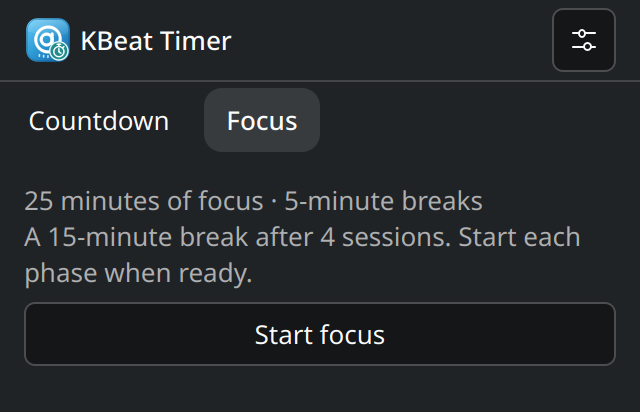
Set hours, minutes, and seconds for tea, a break, or the next small job. Switch to Focus for work sessions with short and long breaks. Timer stays close through a single shortcut and the Plasma panel.
Two ways to make time
Why it belongs
Enter the time, add a label if it helps, and let a KDE notification tell you when it is up.
Start each work or break phase when you are ready. Adjust the durations in Settings.
One shortcut shows or hides Timer. Its panel stopwatch turns green while running and red while paused, with a tooltip naming the state.
Suspend pauses the timer and asks before resuming. Signing out or rebooting ends the session. Timer remembers your defaults, not a history of your sessions.
Back to the suite